iPhone GPS speedometer not working in Safari: what to check
Start with one ordinary Safari tab on the iPhone. If the gauge will not start, note whether you see a permission refusal, a wait for location or a zero that never changes. These clues let you test the failing part without resetting every privacy setting on the phone.
Check the launch context before changing iOS settings
A link opened inside a social app is not necessarily the same session as Safari, and a home-screen web app should also be tested separately. Copy the tool’s address into Safari and keep that tab visible. Press Start there. If this context works, retain it for the test and investigate the other launch method later. Opening this troubleshooting article alone does not start tracking; the linked tool contains the gauge and its controls.
Restore the permission that is actually blocked
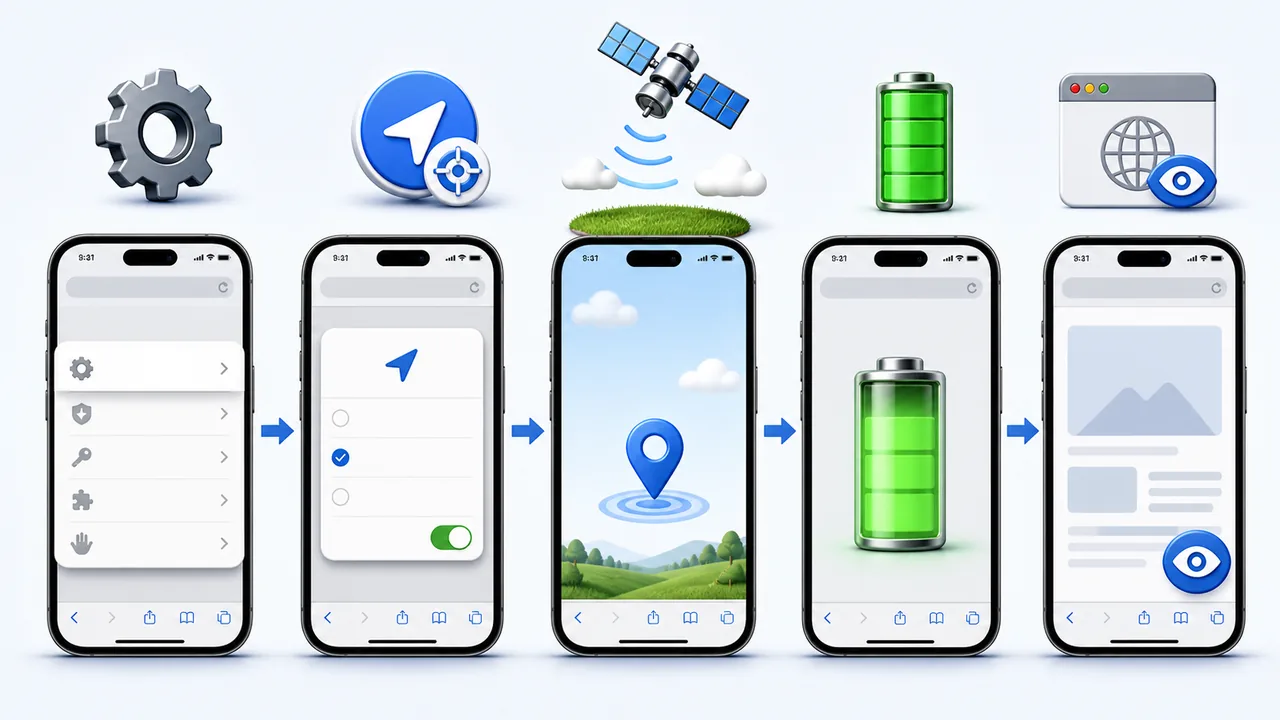
In Settings, open Privacy & Security and Location Services. Check the Safari or website entry available on your iOS version, allow use for the active session and enable precise location where offered. Also inspect the current site’s location choice in Safari’s page settings. An earlier refusal may remain in effect after a reload. Change the specific decision, return to the tool and test again. If settings are managed or restricted, ask the device administrator; do not remove a profile to force access.
Separate no location from no speed
Take the phone to an open area and wait for a fresh position before trying a safe, short walk. A position error or prolonged wait is a different observation from a location that updates while the gauge stays at zero. A browser can provide coordinates without a usable speed value; the website must handle that situation. If the second pattern persists, report it as a site/browser problem instead of repeatedly expanding location access. A still image of your location in Maps is not a live comparison.
Check what happened just before the reading froze
Did the screen lock, a call take over or another app open? Return to Safari and look for a new location update before interpreting the display. Repeat once with the tool visible throughout. If only the interrupted session fails, you have found a continuity limitation rather than a reliable measure of receiver quality. Do not count a saved trip maximum as evidence of continuous recording. A screen-off journey log needs a product designed and tested for that use.
Use another app as an isolation test, not a verdict
If Safari still gets no location outdoors, open a trusted location app and check whether it responds to actual movement. Success there narrows the investigation to Safari, the site or their permissions; it does not prove every browser feature is working. Failure in both calls for a device-level check and a restart before further testing. Avoid judging GPS from a search result showing your city, which may not use a fresh precise location at all.
Preserve data and send a useful fault report
Before deleting website data, save any trip summaries you want to keep: local records can disappear with that storage. A targeted permission change and reload are smaller steps than clearing all Safari history or resetting all location settings. If the failure remains, note the iPhone model, iOS version, launch method, message and whether locking the screen triggers it. Do not send your route or exact coordinates unless genuinely needed. A repeatable sequence helps distinguish a website defect from a wider device problem.
| Condition or factor | What it means |
|---|---|
| No prompt in an embedded viewer | Try the tool directly in Safari and check that context’s permissions. |
| Location allowed but no fix | Test outdoors and compare a fresh position in a trusted app. |
| A zero despite changing positions | Record a speed-processing failure, not just ‘GPS broken’. |
| Works until another app opens | Check foreground continuity before resetting location services. |
Technical references: Apple: Location Services and precise location; MDN: position errors; MDN: unavailable speed readings.
Questions about Safari and iPhone location
Must I enable location all the time?
An active browser check does not require blanket access for every app. Use the relevant browser and website permission for the session.
Why does Safari ask again?
Your previous choice may have been temporary or belonged to another browsing context. Check the current site rather than assuming the phone has lost all permissions.
Will a Home Screen icon cure missing GPS?
No. It changes how the site opens. Test that launch method separately; it does not improve satellite reception.
Can I use an iPad to confirm the iPhone is faulty?
Not as a like-for-like test. iPad models differ in location hardware, especially Wi-Fi-only models. Compare the same task and capabilities.
Does a jump in maximum speed mean iOS is inaccurate?
A single extreme value may reflect reception or processing. Review fresh readings in a repeatable setting before attributing it to the operating system.