Use this page for a simple outdoor walking session based on phone location. It shows speed, accepted distance, elapsed time and average pace. It is not a step counter, route map, calorie estimate, gait assessment or medical test. At walking speed, position noise matters more, so a longer steady segment is more useful than a single changing decimal.
Start where the phone can obtain useful location updates
Stand outdoors with a clear view of the sky, choose the display unit and press Start. Allow location if you want to measure, then wait for usable updates before walking a normal route. Carry the phone in a consistent position and keep the browser visible. Do not stare at the screen while crossing streets or negotiating uneven ground. If the first few points look erratic, continue in a safe open area before drawing a conclusion.
Give a low-speed measurement enough distance and time
At walking speed, a few metres of position uncertainty can be large relative to the distance travelled between updates. That makes a single current-speed value unstable even when the person is walking steadily. Use a multi-minute segment, inspect signal status and focus on the average alongside distance and elapsed time. A momentary zero or peak is not a diagnosis of stopping, balance or mobility. Repeat under similar conditions if you need a personal comparison.
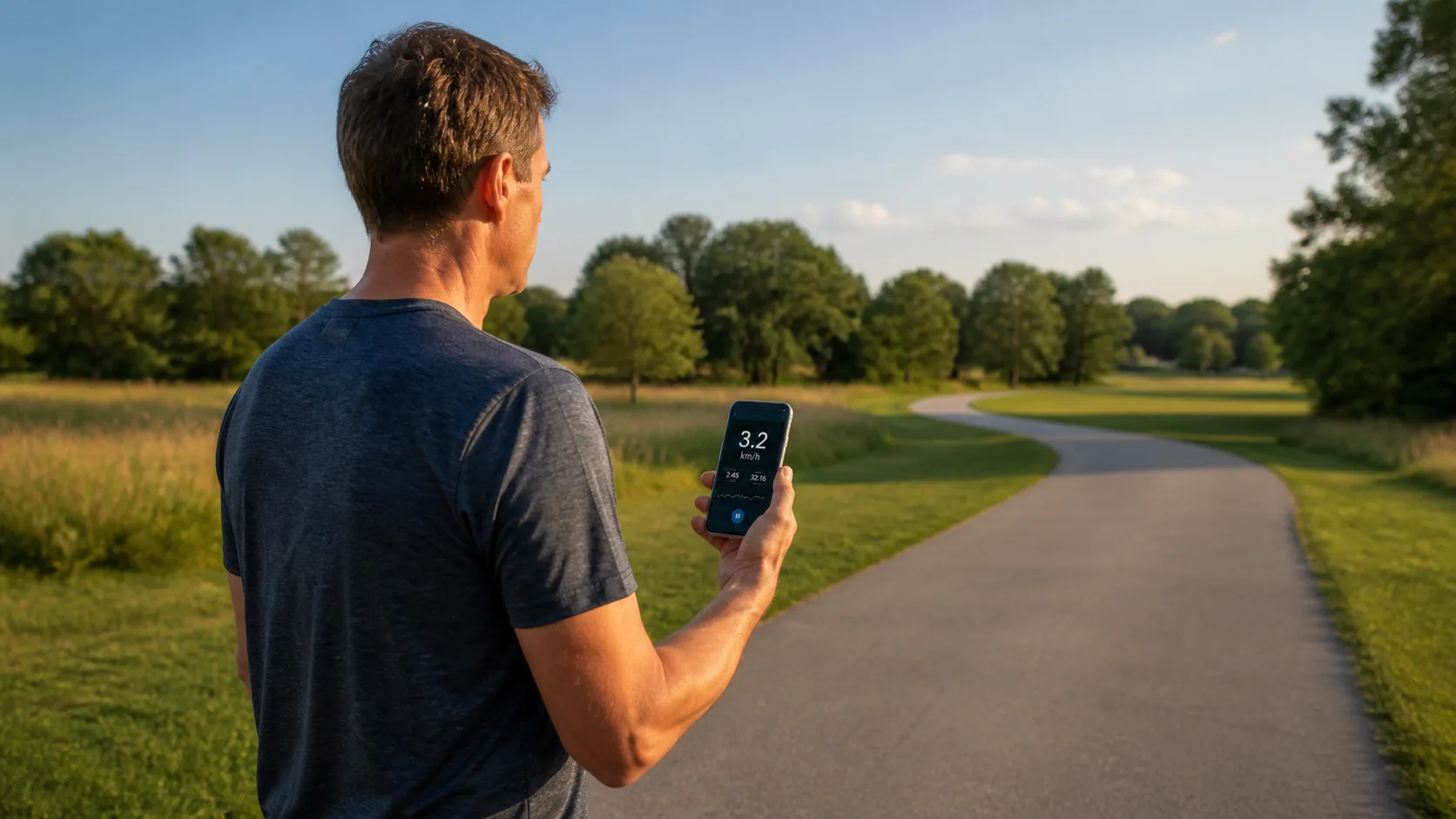
Read pace as an elapsed-session result
Pace is calculated from accepted distance divided into elapsed session time. With metric units it appears as minutes per kilometre; with mph it uses minutes per mile. It is not a current-step rhythm or an automatically paused moving pace. Waiting at a crossing while tracking continues makes the average slower. Press Stop to pause the timer and Start to continue the same uncleared session; use Reset when you intend to begin a separate walk. For example, 1.2 accepted kilometres in 18 minutes is 4 km/h and 15:00 min/km. The arithmetic is straightforward, but GPS distance error and included waiting time remain part of the result; extra decimals cannot remove them.
Do not confuse GPS distance with a pedometer
A pedometer detects motion patterns and estimates steps, sometimes applying a stride length. This page does not access step counts or infer stride length; it accumulates accepted GPS movement. The two methods can differ because they observe different things. Indoor corridors, treadmills and walking in place may generate steps without meaningful GPS displacement. For step goals, use a step-counting device and its documented method rather than converting this distance into an assumed number of steps.
Investigate a zero before calling it a fault
If the status says updates are stale, the current display is intentionally shown as zero until a fresh observation arrives. Check browser permission, device location, battery restrictions, sky visibility and whether the page stayed foregrounded. Buildings and trees can also increase noise. Do not judge accuracy from mobile-data bars alone. Test outdoors across several updates; a single zero at very slow movement cannot distinguish filtering, reception and an actual pause.
Keep health conclusions outside a casual browser reading
Walking speed can be used in formal clinical assessments, but those assessments require a defined course, timing method, protocol and qualified interpretation. This page supplies none of that validation and should not be used to diagnose a change in mobility, recovery or fall risk. If walking causes concerning symptoms or a material change, seek appropriate professional advice. For everyday use, keep the result as a contextual route summary and remember that local browser history is not a medical record.
| Condition or factor | What it means |
|---|---|
| Current walking speed | Useful only with fresh observations and enough context. |
| Average pace | Accepted distance over elapsed session time; no auto-pause. |
| Step count | Not measured or inferred by this page. |
| Clinical walking test | Requires a defined protocol; this tool is not one. |
Technical references: W3C Geolocation specification; MDN Geolocation API; NIA: a defined gait-speed test protocol.
Questions about measuring a walk
Why does walking speed jump more than cycling speed?
The same position uncertainty is a larger share of the short distance covered between updates at walking speed.
Does this count my steps?
No. It uses accepted GPS movement and does not read a pedometer or estimate stride length.
Can I measure walking on a treadmill?
Not meaningfully with GPS ground speed, because the phone remains in roughly the same place while the belt moves.
Does waiting at a crossing affect pace?
Yes, if tracking remains active. Elapsed waiting time lowers the average; press Stop if you intentionally want to pause.
Can this be used as a medical walking-speed test?
No. It lacks the controlled distance, timing protocol, validation and clinical interpretation such a test requires.