GPS speedometer showing zero? Read the status before changing settings

A zero on the gauge does not have one universal cause. It may be the initial display, a valid stationary reading, an unavailable first speed or the site’s response to interrupted updates. Read the status beside it before deciding that GPS is broken. This guide starts with the visible symptom, not a list of resets.
Open the GPS tool to check its status
First distinguish “not started” from “waiting for location”
If the page is ready to start, the initial zero is not a measurement. Start deliberately and complete the location prompt if you want a check. If the page is searching, wait with the browser visible in suitable conditions. A moving clock or an old summary does not prove that fresh observations are arriving. Note the message before reloading; otherwise you may remove the most useful clue about which state the session had reached.
When access is denied, fix only the relevant permission
An explicit denial calls for checking location access for this site and browser, as well as device location availability. It is different from poor reception. Use the dedicated Android or iPhone guide if you need platform-specific menu help. Do not begin by clearing all website data, resetting network settings or changing unrelated system services. Those actions can remove useful settings and history without showing whether site permission was the actual cause.
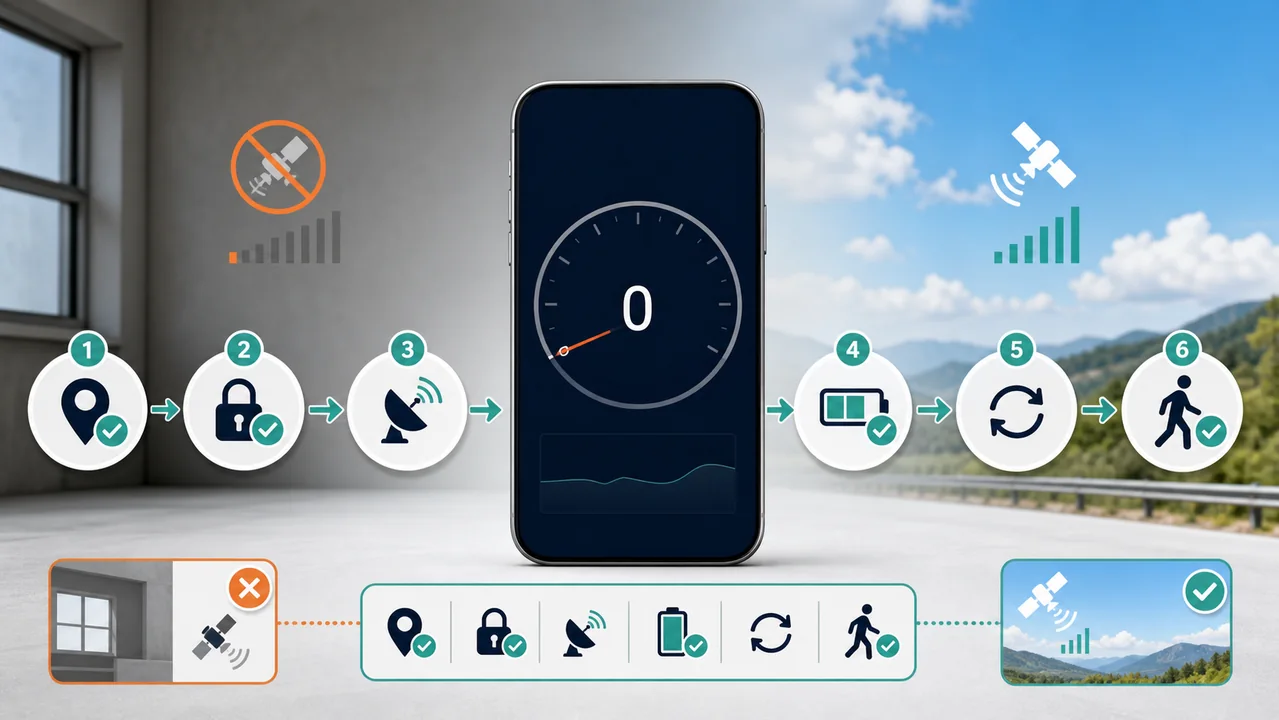
When GPS is connected but speed is zero, consider movement and filtering
A stationary phone can legitimately report zero. Very small movements may also be treated as positioning noise, so waving the device at a desk is not a useful accuracy test. When safe, observe ordinary movement in an open area rather than attempting a driving experiment. The first accepted position may not contain usable speed; position-based estimation needs a later observation. Several fresh observations are more informative than judging the first number after Start.
When a working reading drops to zero, look for the paused-update warning
In this version of zigmaty, after more than about ten seconds without an accepted update during a running session, the current display is set to zero and a warning explains the pause. That is a display safeguard, not evidence of a physical stop. Return to the visible page and seek fresh data in appropriate conditions. A longer observation gap also resets the filter’s position anchor, so one new location alone may not immediately restore a moving value.
When speed jumps, then settles, preserve the context
An abrupt spike can reflect inconsistent observations, and the filter may reject implausible values. Buildings, tunnels and app switches are useful context, but one symptom does not identify the exact hardware cause. Compare several updates rather than the highest number. Maximum and average describe session statistics, not proof that current reception is good. If an explicit unavailable-location or timeout error stopped tracking, address the displayed error and start again; merely waiting at a stopped session is different from waiting during an active one.
Escalate with a small, reproducible record
If the same symptom persists outdoors with permission allowed and the page visible, note device, operating system, browser, selected unit, exact message and whether any fresh location values appeared. A comparison with another location-enabled application can help narrow the affected layer, but a map dot alone does not certify speed. Send only the information needed to reproduce the issue, not a private full route. Use the broader troubleshooting hub for a problem that is not limited to the speed display.
| Condition or factor | What it means |
|---|---|
| Ready to start, zero shown | Initial interface; start and grant permission if desired. |
| Connected, stationary or first usable position | Allow ordinary movement and subsequent observations. |
| Paused-update warning, zero shown | Treat it as unavailable current speed, not confirmed stopping. |
| Denied, unavailable or timeout error | Follow the specific error; restart only after addressing it. |
Technical references: MDN: unavailable device speed; MDN: browser page visibility.
Questions about zero and frozen readings
Does zero always mean GPS is off?
No. Session state, actual motion and observation freshness must be considered together.
Why does maximum speed remain when current speed becomes zero?
Maximum is a retained session statistic. It does not certify that the latest observation is current.
Will changing km/h to mph fix the problem?
No. Unit conversion changes the display scale, not the arrival of location observations.
Should I clear my browser history first?
No. Record the symptom and check the relevant permission before destructive resets; site-data clearing can remove local summaries.
Can the accuracy value prove speed is exact?
No. The value in metres describes horizontal position accuracy, not a speed-error margin in km/h.