Use the gauge on this page for a passenger’s live speed check. Choose your unit, press Start and allow location while parked. It measures the movement of the phone, without an OBD adapter or connection to the car’s electronics.
Prepare the display before the journey
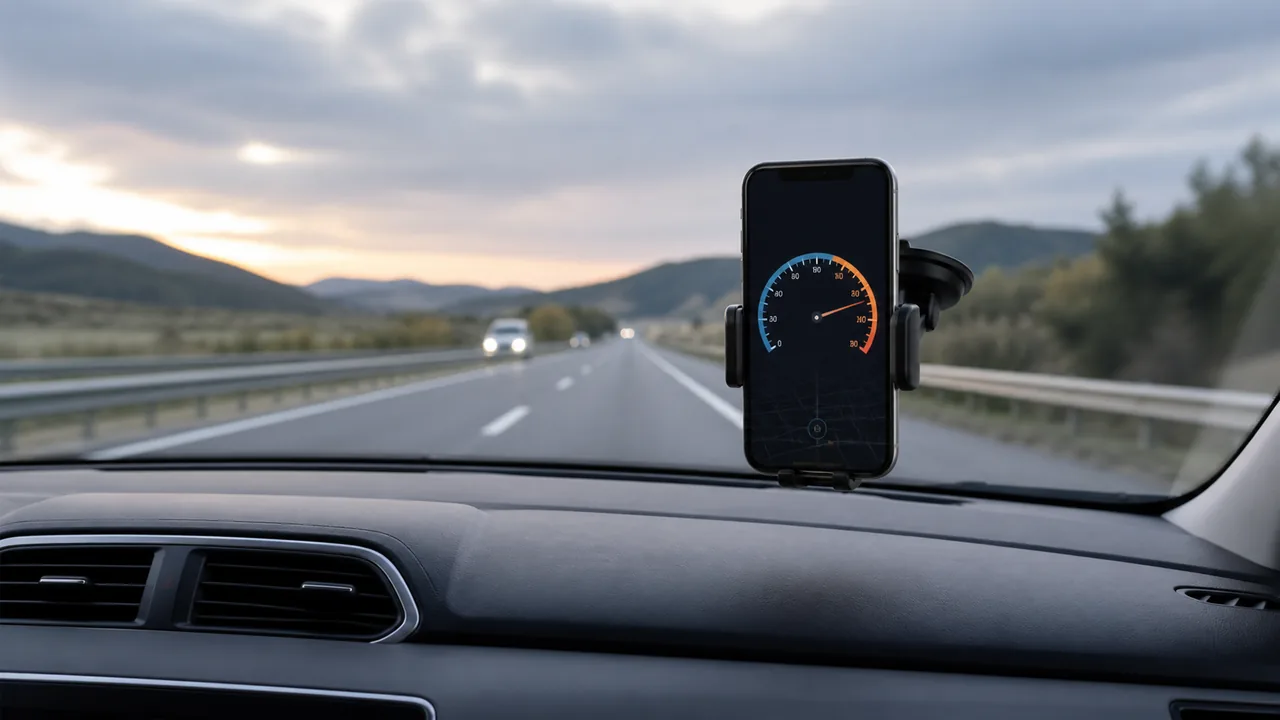
Choose km/h or mph to match the reading you want to interpret. Start while stationary and wait for a usable location; zero before movement is normal. Secure the phone where it will not obstruct your view or controls. A passenger can observe the display during travel. Do not hold or adjust it while driving. If the browser reports denied access, resolve that before departure rather than treating repeated Start presses as a reception fix.
Read live speed together with the signal status
The large number is an estimate from the phone’s location observations, not a direct reading of the vehicle’s wheel sensors. A current location and plausible response over several updates matter more than a single impressive maximum. Buildings, covered parking and tunnels can interrupt useful observations. When updates stop, a retained number or trip summary does not describe what the vehicle is doing now. Keep the page visible and recheck freshness after returning from another app.
Use the trip statistics for the question they answer
Distance describes the movement counted during the session; gaps and rejected observations can make it incomplete. Average speed reflects counted distance over the session’s elapsed time, not just cruising speed. For example, 12 km counted over 20 minutes gives 36 km/h on average, even if parts of the journey were faster. Maximum speed is a peak observation, not a certificate of top speed. Review the chart and interruptions before drawing conclusions from either figure.
Set an alert as a reminder, not an automatic road limit
Choose the threshold yourself while parked and check the selected unit. The alert is based on the tool’s reading and your setting; it does not identify the current road’s speed limit or operate the vehicle. Sound or vibration depends on the browser and device, so do not rely on it as the only reminder. Reception gaps and delayed observations also affect when a warning can appear. Keep driving decisions independent of a phone notification.
Treat a dashboard difference as a question to investigate
If GPS and the dashboard disagree, first check the units and whether both observations belong to the same steady moment. Do not compare while accelerating and call the difference a calibration result. This page provides a convenient independent display, not a workshop calibration, repair diagnosis or replacement instrument. The linked test guide explains how to record a useful comparison. A persistent concern about the vehicle’s instruments should be assessed by an appropriate professional.
Finish and keep only the record you need
Stop the session when safely parked and review the summary before sharing it. Recent summaries remain in this browser’s local storage; they are not a cloud account or an exportable GPS route. Clearing website data or changing browser context can affect access to them. For a complete screen-off journey record, navigation overlay or integration with a vehicle display, check a product designed for that specific requirement. A home-screen shortcut alone does not add those capabilities.
| Condition or factor | What it means |
|---|---|
| A quick passenger speed check | Use this visible gauge with a current location. |
| A dashboard discrepancy | Record a controlled comparison; do not calibrate from one number. |
| A reminder at a chosen speed | Set the unit and threshold before travelling. |
| A complete route with the screen locked | Choose and test a dedicated recording workflow. |
Technical references: GPS.gov: reception and accuracy limits; W3C: device geolocation, not vehicle telemetry.
Questions about using the car speedometer
Does it need to connect to my car?
No. The phone supplies location observations. There is no OBD connection, wheel sensor pairing or access to the car’s diagnostic data.
Can it replace a broken dashboard speedometer?
Do not rely on it as a replacement instrument. A phone reading can be interrupted; arrange proper assessment and repair of a faulty vehicle instrument.
Does the car mode know the road speed limit?
No. The threshold is chosen by you. The mode does not provide live road-limit detection or vehicle control.
Can I measure a car from outside while it passes?
No. This tool measures the phone’s movement, not the speed of an unrelated passing object like radar.
Will a saved trip reopen on another phone?
Not automatically. Local summaries belong to the browser storage where they were created. Share a summary deliberately if you need a copy elsewhere.