Contact zigmaty
Contact zigmaty for product feedback, content corrections, privacy questions, accessibility issues, language suggestions, and bug reports about the browser GPS speedometer.
Choose the shortest useful support route
Use [email protected] for a reproducible tool problem, an accessibility issue, a factual correction or a focused feature suggestion. Questions already answered by the permission and troubleshooting guides are usually resolved faster there; the contact route is most useful when the documented steps do not match what the page actually does.
Include enough detail to reproduce the issue
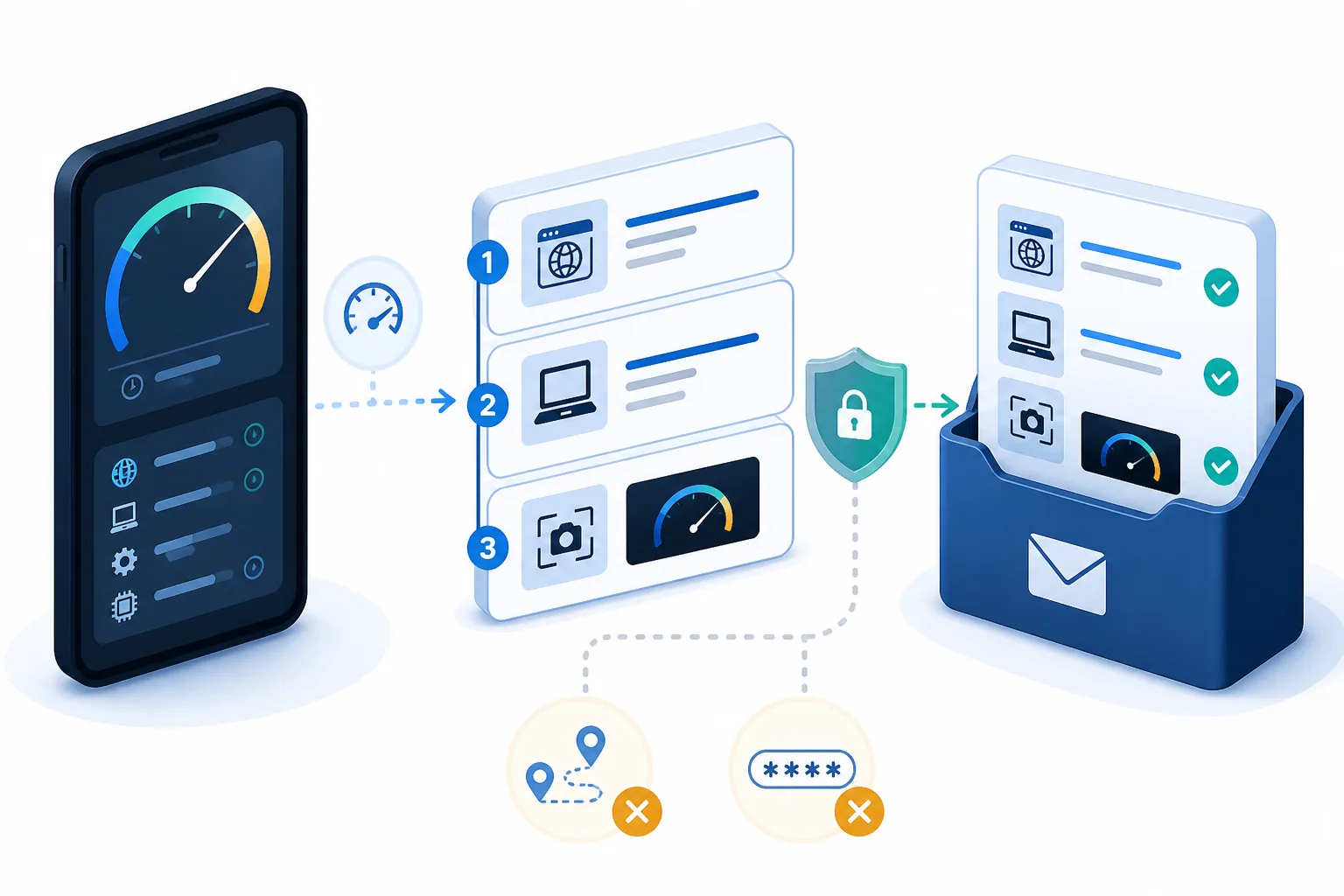
Send the exact zigmaty page URL, device model, operating-system version, browser and version, the status message shown, whether location permission was allowed, and numbered steps from opening the page to the failure. A cropped screenshot can help when it shows the interface state rather than personal location history.
Do not send sensitive location or account data
A support report normally does not need a home address, precise coordinates, a complete route, passwords, authentication codes or unrelated personal documents. Describe the environment broadly, such as outdoors with open sky or inside a train tunnel, and remove sensitive details from screenshots before sending.
Make a correction request verifiable
For a factual or calculation correction, identify the sentence or result, explain the suspected error and include a reliable source or reproducible calculation. We do not promise an instant response time, but a focused report makes triage, testing and a real dated correction much more practical.
| Condition or factor | What it means |
|---|---|
| Tool bug | URL, device, browser, status and steps |
| Content correction | Exact passage, proposed correction and source |
| Accessibility issue | Control, input method and observed barrier |
| Never include | Passwords, exact routes or unnecessary personal data |
Technical references: Chrome location permissions; Apple Location Services.
Contact email
Helpful details to include
Please include the page URL, device type, browser, language, and a short description of what happened. For GPS reading issues, mention whether you were indoors, outdoors, in a vehicle, near a window, in a tunnel, or around tall buildings.
Privacy questions
zigmaty reads GPS only after you allow it. Speed, distance, alerts, and trip history are calculated locally in this browser. For privacy requests or questions about analytics, local trip history, or location permission, include the page you used and the browser/device involved.
Safety note
zigmaty is not an emergency service, navigation system, certified vehicle instrument, or safety device. For urgent issues, use the appropriate local service or authority.
Common questions
zigmaty reads GPS only after you allow it. Speed, distance, alerts, and trip history are calculated locally in this browser.
How accurate is this GPS speedometer?
Accuracy depends on GPS signal quality, sky visibility, buildings, tunnels, device hardware, and browser update frequency.
Is my precise location uploaded?
zigmaty does not upload your precise GPS route or live coordinates to a zigmaty server. Trip calculations happen locally in this browser.
Do I need to install an app?
No. zigmaty runs in the browser. On supported phones you can also install it to the home screen for quicker access.
Can I remove saved trip history?
Yes. Use the Clear button in trip history or clear zigmaty site data from your browser settings.
Not a safety instrument
zigmaty is not a certified vehicle dashboard, marine navigation device, aviation instrument, railway tool, medical device, or emergency system. Do not rely on it for legal, safety-critical, navigation, or emergency decisions.