Car speed test online: a safe GPS comparison you can interpret
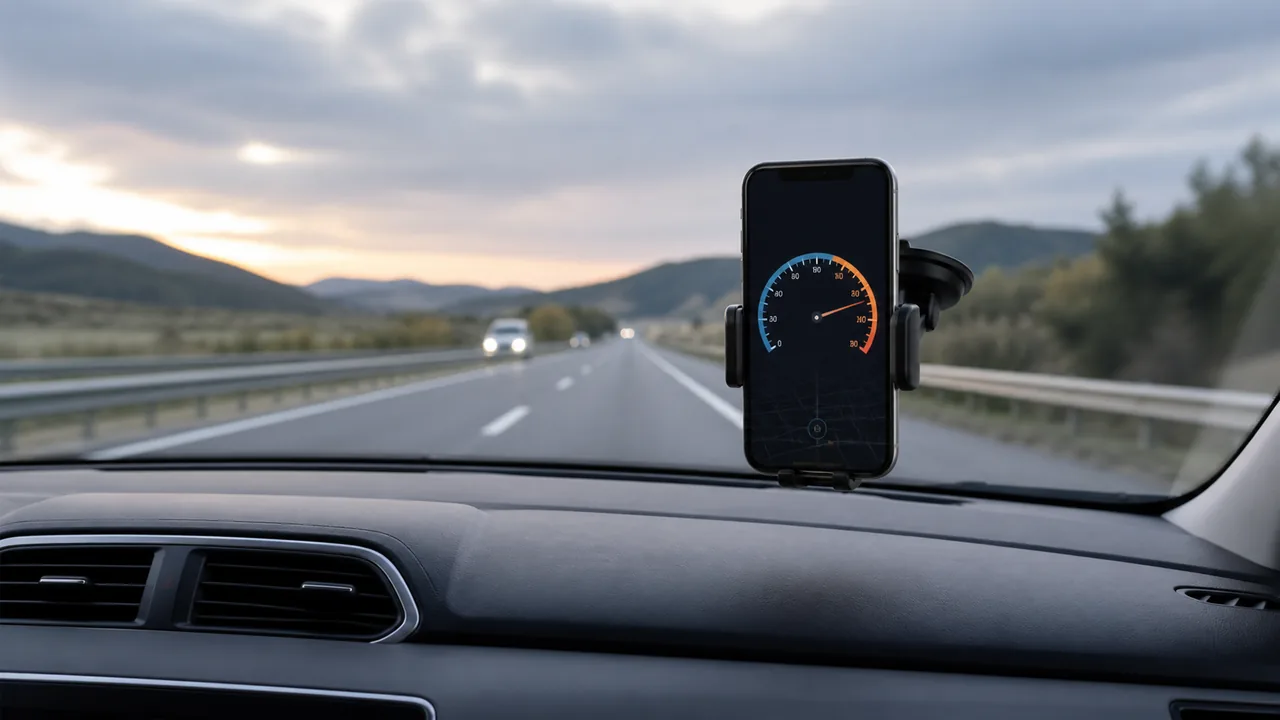
An online car speed test can compare a phone’s GPS estimate with the dashboard during an ordinary journey. It is not an acceleration challenge, dynamometer test or proof that either instrument is calibrated. Decide what you want to learn before collecting numbers.
Open the car speedometer for the check
Write down the comparison, not a target speed
A useful question is whether a repeatable difference exists during steady travel. You do not need to reach a particular high speed, accelerate hard or change normal driving for the test. Arrange for a passenger to observe, or postpone the comparison. Set up the phone while parked. If the dashboard appears faulty or the vehicle is unsafe, seek proper assessment rather than using a website to justify continuing the journey.
Make a short test record before setting off
Note phone model, browser, unit, session start and the conditions you expect. Position the phone securely with reasonable exposure to the sky, without obstructing vision or controls. Open the car tool, allow location and wait for a fresh observation. Check that the dashboard and phone use the same unit. Include a place in your notes for interruptions: an unavailable reading is valuable information, not a blank to fill with an assumed speed.
Collect several matched observations on an ordinary steady segment
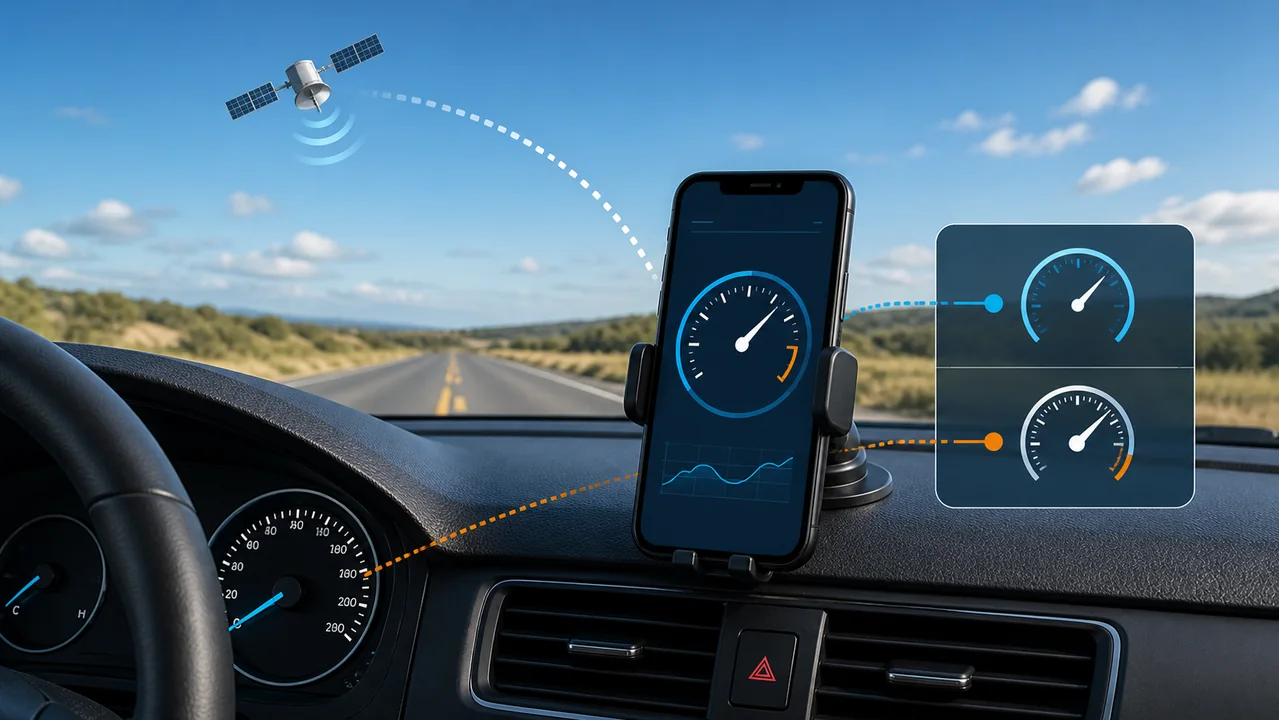
Have the passenger note the dashboard and phone at approximately the same instant, along with whether the vehicle is steady, accelerating or slowing. Use only the steady observations for the first comparison. Do not chase a number by altering speed for the display. Keep the page visible; mark tunnels, signal losses and app switches separately. If readings are delayed or missing, stop drawing conclusions from that segment and repeat only when conditions safely permit.
Calculate a difference without calling it true error
Here is an invented calculation, not a measured zigmaty result: dashboard 54 km/h and GPS 51 km/h give a difference of 3 km/h. Relative to the GPS value, that is 3 ÷ 51 × 100, approximately 5.9%. The denominator must be stated, and GPS has its own uncertainty. This percentage is not a certified dashboard error or a legal tolerance. Keep each matched observation in the record rather than selecting only the pair that supports your expectation.
Distinguish a steady offset from delay and gaps
If the difference changes mainly during acceleration or braking, display timing may explain part of it. If one value freezes, you no longer have two current observations to compare. A broadly repeated difference during steady segments is worth recording, but still does not identify its cause on its own. Do not derive a permanent correction factor from one trip. The separate dashboard-comparison guide covers the measurement differences; this article owns the practical test procedure.
Finish with a useful conclusion and the right next step
After parking, stop the session and save the relevant summary and your paired notes. The website summary alone does not contain your dashboard observations. Describe the result narrowly: device, conditions, several pairs, missing intervals and whether the pattern repeated. If the discrepancy concerns you, take that record to a qualified vehicle professional. Do not use it to claim a permitted speeding margin, a verified maximum speed, or an official calibration of either device.
| Condition or factor | What it means |
|---|---|
| 54 dashboard, 51 GPS — illustrative | Difference 3 km/h; about 5.9% of the GPS reading, not certified error. |
| Large difference only while accelerating | Separate update delay from a persistent steady-speed difference. |
| No fresh GPS observation | Mark missing data and exclude the pair. |
| Similar difference on repeated steady segments | Keep the evidence for investigation; do not infer the cause automatically. |
Technical references: GPS.gov: user accuracy depends on conditions; W3C: timestamps and device location observations.
Questions about an online car speed test
Is this a 0–60 or 0–100 performance test?
No. Browser updates and display filtering are not a validated acceleration timing system, and this guide does not ask you to perform high-speed runs.
Can the driver record both screens?
Do not operate devices while driving. Use a passenger for observations and make all adjustments while parked, or postpone the test.
Does the percentage show how much faster I may drive?
No. It is only an arithmetic comparison of two readings. It provides no permission to exceed a limit and no enforcement prediction.
How many readings are enough?
Several paired readings can show whether a pattern repeats, but this guide does not prescribe a sample count that would certify accuracy. Conditions and missing data matter.
Will the trip summary prove the dashboard reading?
No. The tool does not read the dashboard. Your separately recorded observations are necessary to explain that comparison.