Android vs iPhone GPS speed accuracy: how to compare fairly
There is no defensible platform-wide winner from placing two phones beside each other once. You are comparing particular phones, location settings, browsers and conditions. This guide provides a repeatable comparison method; it is not a laboratory ranking or a claim that zigmaty has tested every model.
Open the same GPS tool on both phones
Decide whether you mean speed error, delay or reliability
A phone can show a smooth but delayed number, an unstable number or no fresh number at all. Those are three different results. For an occasional check, ask whether readings settle during steady movement. For recording, count interruptions separately. Comparing a maximum from one trip with an average from another answers neither question. Write down the metric first: live speed at matched times, response after a stop, or the proportion of a session with usable updates.
Match the conditions you can control
Use the same web tool and unit on both devices, with precise location allowed and each page visible. Record phone model, operating system, browser and power mode. Begin while stationary with both devices exposed to similar surroundings. Secure them without blocking the driver’s view, and have a passenger observe. Swap their positions in a second run: a phone by a window and one deep in a console are not a controlled comparison. Do not change settings during movement.
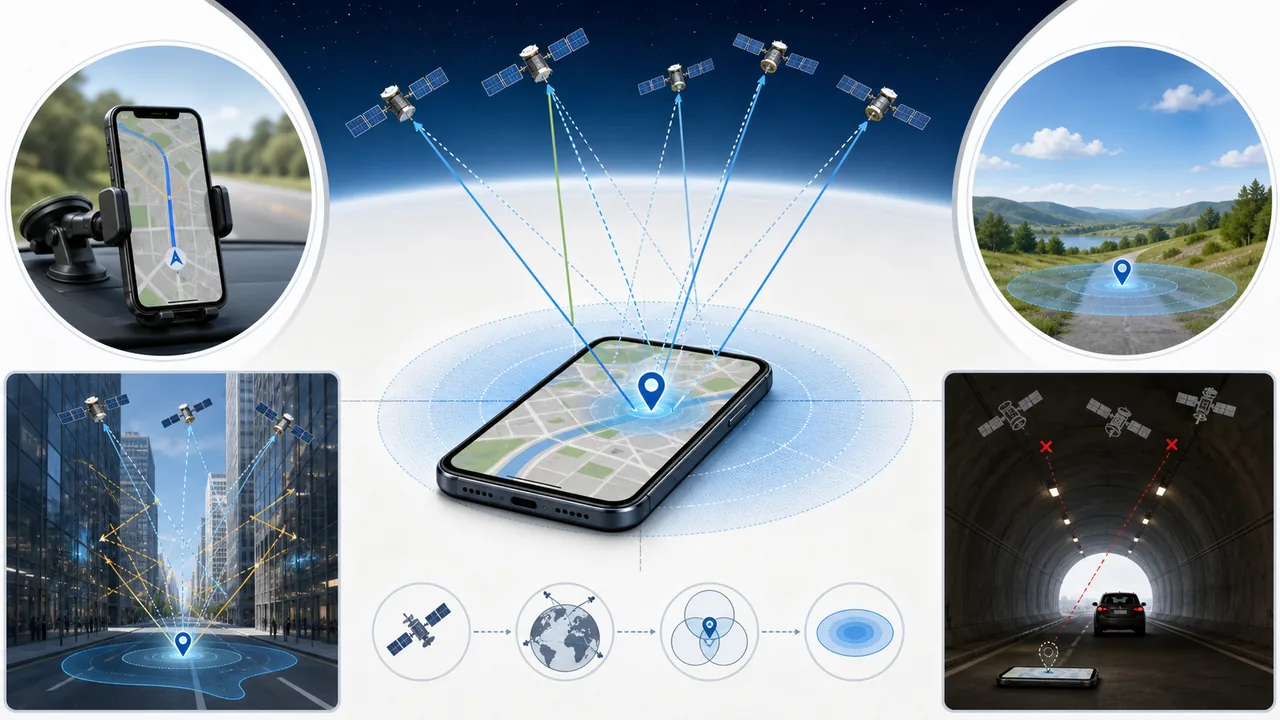
Separate steady travel from starts and stops
Compare several observations on a steady segment before examining acceleration, braking or loss of reception. The website filters location observations, so its display need not react at exactly the same instant as another app. A consistent time lag should not be reported as a constant speed error. Mark gaps and stale values as missing observations. Do not carry the last plausible number through a tunnel and call it a successful measurement merely because it remains visible.
Two similar numbers are agreement, not proof of accuracy
Imagine one phone displays 49 km/h and the other 50 km/h at a matched instant. The difference is 1 km/h; it does not reveal which is closer to the actual speed. Both could share a bias. To estimate error, use an independent reference with known uncertainty and synchronized observations. A car’s dashboard is useful context but is not automatically a calibrated reference. Without that reference, report agreement and repeatability, not a percentage accuracy score or a winning platform.
Do not convert location radius into speed error
The browser’s accuracy field describes horizontal position uncertainty in metres, not an uncertainty of the speed in km/h. A smaller radius alone therefore cannot settle this comparison. Also distinguish a missing speed value from a measured zero: browser observations may include coordinates but no speed. If one device stays at zero despite fresh movement, troubleshoot that combination before ranking its receiver. Hardware generation, signal obstruction and software handling must not be collapsed into the label Android or iPhone.
Keep a comparison record that supports your conclusion
For each run, save the setup, environment, observed interruptions and several matched readings, with any reference described explicitly. Repeat under the conditions you actually care about; a clear-sky check does not establish performance among tall buildings. Conclude narrowly, for example ‘this phone/browser combination updated more consistently in these runs’. Do not generalize two devices to all models or claim a real-world benchmark from an illustrative example. Choose your workflow on that evidence, then resolve device-specific failures using the linked guides.
| Condition or factor | What it means |
|---|---|
| 49 and 50 km/h at the same instant | A 1 km/h disagreement; no winner without a suitable reference. |
| Similar steady values, different response after stopping | Investigate latency and filtering separately from steady-speed error. |
| Smaller location radius | Potentially better position information, not a speed-error certificate. |
| One screen has stopped updating | A continuity failure; exclude stale readings from the comparison. |
Technical references: GPS.gov: factors affecting user accuracy; MDN: the position accuracy field; MDN: the speed field.
Questions about comparing phone speed readings
Is an iPhone always more accurate than Android?
This guide has no model-wide test evidence supporting that claim. Compare identified devices and conditions rather than assigning a winner by operating system.
Can I compare two different speedometer apps?
You can compare the complete experiences, but differences then include app processing as well as the phones. Use the same tool if you want to reduce that variable.
Is the higher reading the safer or more accurate one?
Neither follows from being higher. Do not use this comparison to decide a driving speed; obey the road conditions and applicable limits.
Is walking enough for every comparison?
Walking can reveal update failures, but it does not establish behaviour at other speeds. Small movements can also be difficult to distinguish from position noise.
Does a dual-frequency receiver guarantee the best result?
A hardware capability is not a complete end-to-end test. Reception, software and the particular situation still matter; check measured performance for the actual task.