Android GPS speedometer not working: diagnose the failure
A speedometer that cannot get permission needs a different fix from one that receives locations but stays at zero. First note what happens after you press Start. Work through the matching check below while stationary, and change only one setting before testing again.
Open the GPS tool to check its status
Permission denied: check the browser you actually opened
Open zigmaty directly in Chrome rather than inside a messaging app. On Android, inspect Settings, Apps, Chrome, Permissions, Location; allow access while using the app and precise location if available. Next inspect the website’s location permission in Chrome’s site settings. A phone-wide Location switch does not override either permission. Names vary by manufacturer. Return to the page, reload and press Start once: the useful result is a location update, not merely the disappearance of a prompt.
Waiting or timed out: establish a fresh position outdoors
If access is allowed but the tool keeps waiting, test in an open, safe place with the screen on. A timeout means the request did not finish in time; it does not identify a broken receiver. Avoid repeatedly pressing Start indoors. On supported Android devices, Google Location Accuracy is a separate service from the browser’s precise-location permission. Review its setting if positioning fails, but do not treat the two controls as interchangeable or assume every Android phone has Google services.
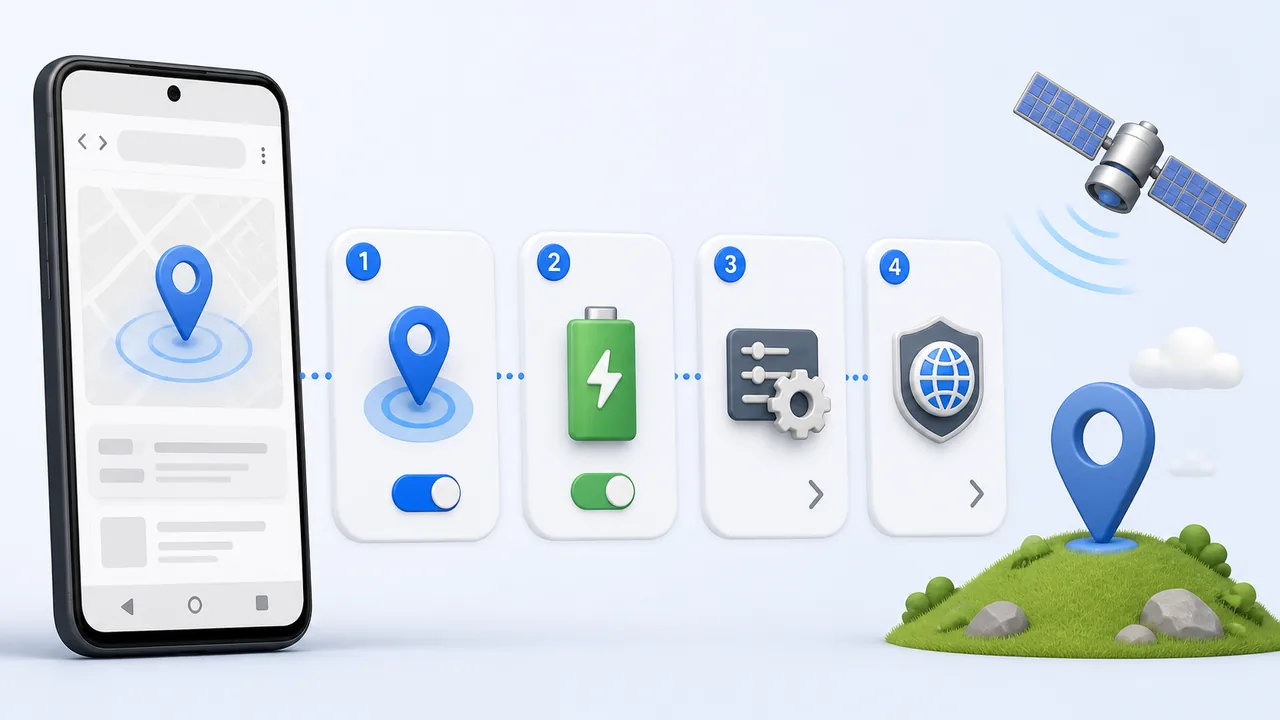
A map works but the speed stays at zero
A saved map pin proves little. In a trusted navigation app, check whether your current position actually follows a short, safe walk; stop before inspecting the screen. Then repeat in the browser with the tool visible. If locations change but speed remains zero, record that distinction. Browsers can supply a position without supplying a speed value, and website processing can also fail. Granting ever broader permissions is not a solution to a calculation fault. Try another current browser to isolate the website/browser combination.
The display freezes after locking or switching apps
Repeat the same short session without leaving the page. If this works and the screen-off test does not, foreground continuity is the immediate issue, not evidence that Android measures speed badly. A retained maximum or trip summary is not a fresh observation. Inspect browser-specific battery restrictions only when interruptions correlate with that setting; restore any test change that does not help. Do not disable protections for every app. Use a recorder designed for background operation when uninterrupted screen-off recording is essential.
Recover a blocked site without deleting your journeys
Review only zigmaty’s permission, reload the page and start a new test. Clearing all browsing data is a much broader action: this tool stores recent trip summaries locally, so deleting website storage can remove them. Save anything you need first. If the permission is controlled by a work profile, family setting or administrator, request the appropriate change instead of bypassing it. Reinstalling Chrome or downloading a random GPS repair APK should not be your starting point.
Know when to stop changing settings
Use a simple isolation result: only this site fails, several browser tools fail, or every location app fails outdoors. For a site-only failure, report the phone model, Android and browser versions, exact message, whether positions arrive, and whether the page stayed visible. A screenshot can omit coordinates and personal trip details. For a failure across apps after a restart, use the manufacturer’s support route. Neither a single zero nor one erratic maximum is enough to diagnose damaged hardware.
| Condition or factor | What it means |
|---|---|
| Immediate denial | Inspect Android’s browser permission and the site-specific decision. |
| Waiting with no position | Check reception and location services before changing the speed unit. |
| Fresh positions, persistent zero | Investigate browser/site speed handling; do not assume you are stationary. |
| Updates stop only off-screen | Retest in the foreground and assess the recording workflow. |
Technical references: Google: location accuracy and its settings; MDN: meanings of geolocation errors; MDN: a speed value can be unavailable.
Questions about Android GPS failures
Should I reinstall the speedometer?
This is a website, not an APK. Begin with a direct browser session and its permissions. A home-screen icon is only another way to launch the web tool.
Does full mobile signal mean GPS must work?
No. A working data connection can load the page without providing a useful location. Test reception separately from loading.
Will calibrating the compass fix zero speed?
Compass heading and speed are different measurements. Do not assume a figure-eight movement fixes a missing speed value.
Can I test by driving and watching the phone?
No. Make adjustments while parked. Use a safe walk or ask a passenger to observe; do not handle the phone while driving.
Why are there small readings while I am still?
Position noise can resemble movement. Look for a repeatable pattern across several updates in a better location rather than treating a single reading as real travel.