How to use a train speedometer on your phone: a passenger workflow
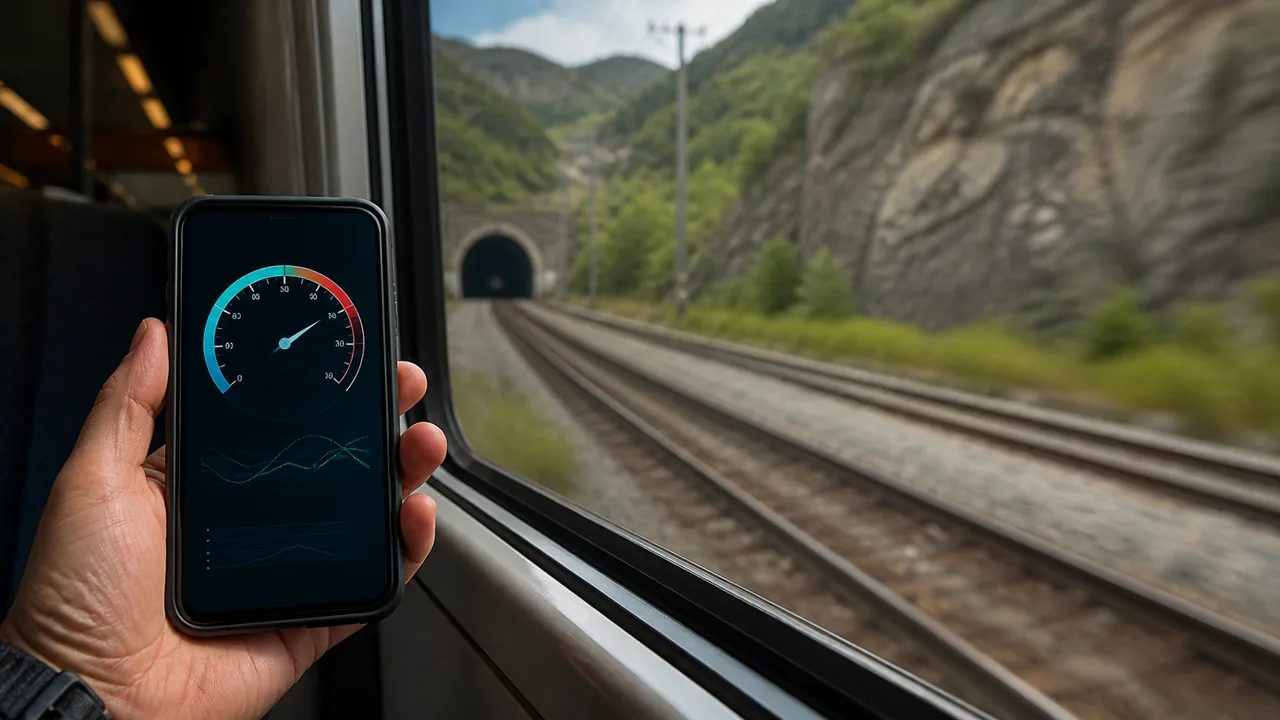
A useful train-speed check starts with a small plan, not a search for the highest number. Decide whether you want one current reading or a record of a particular segment. Then set up a visible browser session that will not interfere with your ticket, boarding or other passengers.
Open the live train speedometer
Before boarding: decide what you want to keep
For a quick answer to “how fast now?”, plan a short check during an open-air portion. For comparing segments, decide the start and end points before recording. A browser summary is not a complete GPS route export or an operator travel log. If you need continuous screen-off recording, test an appropriate recorder beforehand rather than discovering its limitations after the journey. Keep your ticket and essential travel information accessible independently of the speed page.
From your seat: open, choose units and allow location
Once safely seated, open the train tool and choose the unit you want to read. Press Start, read the site explanation and grant browser location permission only if you want the measurement. Leave the page visible while observations arrive. Do not change broad device settings just because the first value is zero under a station roof. Wait for an ordinary open section; do not walk through the carriage or obstruct doors to improve a reading.
Choose a short observation window
Look at several updates during steady travel and note the unit, general conditions and approximate interval. Keep the phone secure and within your seat area. There is no need to reach a target speed, compare with another passenger competitively or claim a railway record. A useful note might say “open section, page visible, repeated readings” rather than preserving only the maximum. The purpose is to learn what the phone observed under those conditions.
Plan for your ticket, screen lock and tunnels
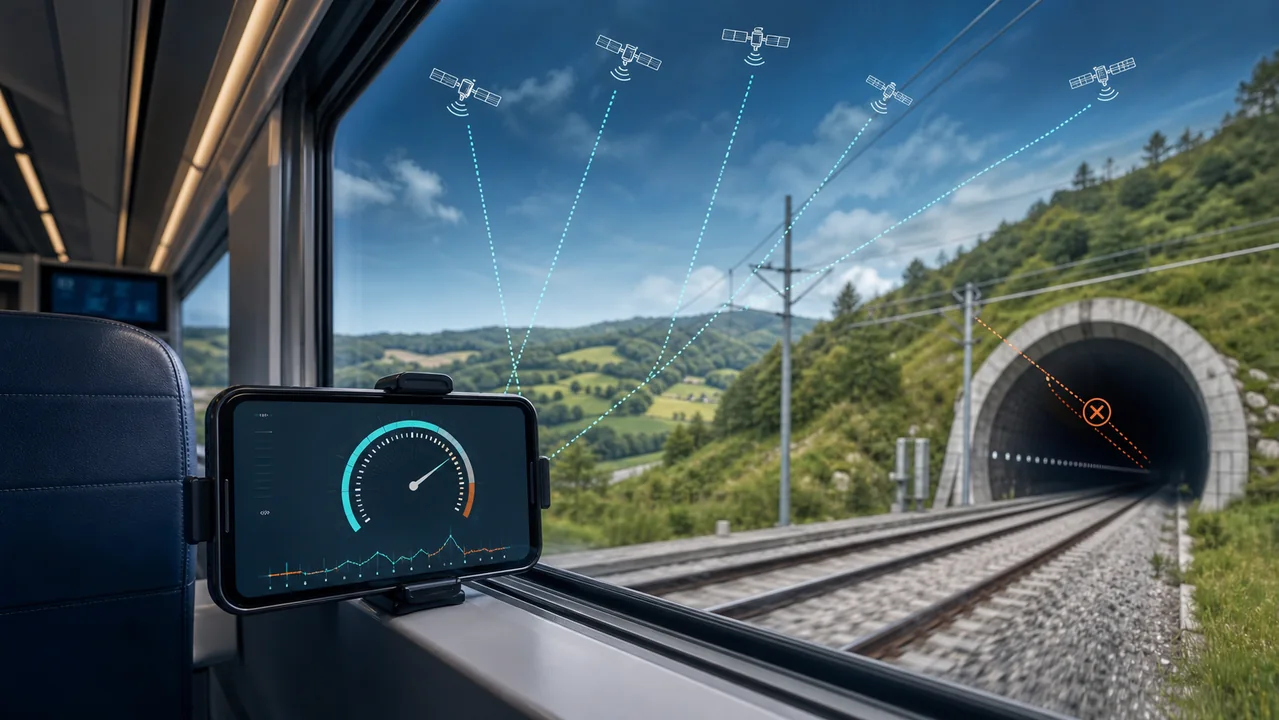
Opening a ticket app or locking the screen changes the conditions of a browser session. On returning, check the status and wait for fresh observations instead of assuming recording continued. Treat a tunnel as a possible missing interval even when internet access still works. Do not overwrite that interval in your notes with the last speed before entry. If an error stopped the session, resolve the indicated cause before starting again from a suitable place.
Stop at a boundary you can explain
End the check at the planned segment boundary while seated or otherwise safe, before walking to a connection if that walk is not part of the question. Record whether you started before departure or after the train was moving: those choices affect the average. For example, an illustrative complete 24 km segment over 20 minutes averages 72 km/h, but adding ten minutes of waiting changes the comparison. Missing counted distance creates a separate limitation.
Keep a summary without overstating what it proves
Review distance, elapsed time, average and maximum together. Keep a brief note of interruptions and make a deliberate copy of a summary you need later; local browser storage is not a cloud backup. Do not call the result a complete route, a certified top speed or evidence of an arrival time. The linked interpretation guide explains gaps and averages in detail, while the live train page remains the place to take a current reading.
| Condition or factor | What it means |
|---|---|
| Before the journey | Choose a spot check or a defined segment; keep the ticket available. |
| During the check | Use consistent units and note general conditions. |
| After a ticket-app switch or tunnel | Check renewed observations and mark the interruption. |
| When finishing | Save boundaries and gaps with any summary. |
Technical references: W3C: device observations and permission; MDN: browser page visibility.
Planning a train check on your phone
Do I need the train number?
No. This workflow uses the phone travelling with you, not an operator lookup.
Should I start while boarding?
Wait until safely seated or settled. A speed observation is not worth losing attention at doors or on steps.
Can I guarantee a complete record by keeping the page open?
No. Reception, browser behavior and interruptions still matter. Verify what was actually recorded.
Does a window seat always fix reception?
No. It may help in some conditions, but it is not a guarantee and you should not disturb other passengers to seek a better number.
What should I save besides the maximum?
The intended segment, unit, approximate duration and any interruption. A peak without context is a weak description of a journey.