How to use your phone as a speedometer: a practical workflow
A phone can provide an independent indication of speed over the ground. It is useful for a passenger’s spot check or an occasional walk or ride, but not every trip needs the same setup. Start with what you want to learn, then choose the display and recording method.
Open the GPS tool for your first check
Choose a spot check or a journey record
For the question ‘How fast are we going now?’, a visible browser session may be enough. For a training log, navigation alongside speed, or a whole journey with the screen locked, decide on those requirements before starting. A large speed number alone does not tell you whether a tool records a route, exports a track or works in the background. zigmaty offers a live display and trip summaries; it is not a substitute for every feature of a sports watch or navigation device.
Set up once, while stationary
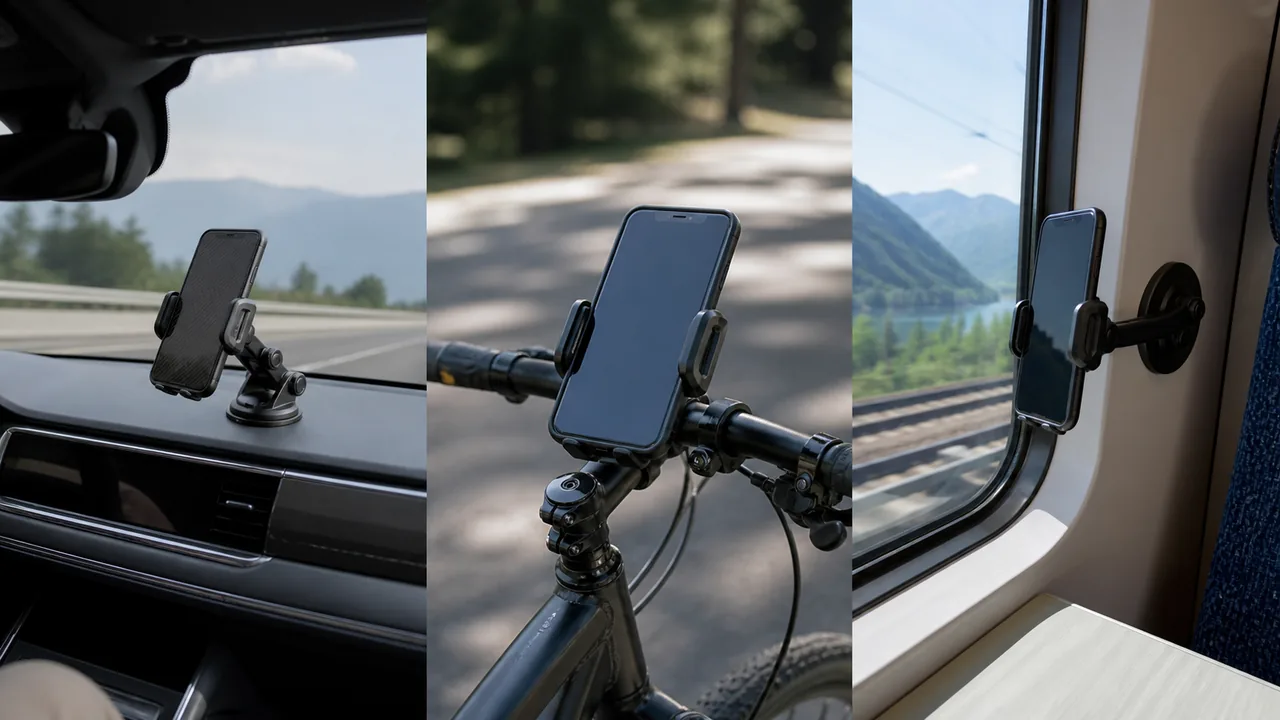
Open the GPS tool, select km/h, mph or knots as appropriate, and start a new session with location allowed. Check that a position arrives before departing. Put the phone in a secure place that does not obstruct visibility or controls; never hold it to make adjustments while driving or cycling. A passenger can conduct a vehicle check. For a walk, start and stop in safe places rather than staring at the number on the pavement. Android and iPhone permission steps are covered in the guides below.
Use one simple baseline test
An initial outdoor walk checks whether the display reacts sensibly to movement. It is a usability check, not a calibration certificate. Start from rest, walk a short familiar stretch and stop before reviewing the statistics. If the signal repeatedly disappears, solve that first instead of collecting a longer but incomplete trip. Keep the same units and session for the test. Changing phones, browsers and surroundings together makes it harder to tell which change caused a better or worse result.
Read average speed with its time window
Current speed describes a recent observation; average speed describes recorded distance divided by the session’s elapsed time. Suppose a trip covers 6 km in 30 minutes: the average is 12 km/h, even if the display showed 20 km/h during part of it. Leaving the session running at stops changes that average. Compare journeys only when their start, stop and pause choices match. A maximum is just a peak in the accepted readings, not proof of a sustained speed.
Recognize tasks a phone cannot solve here
The browser measures the phone’s movement, not engine RPM, wheel rotation or another vehicle’s speed at a distance. A stationary treadmill or exercise bike does not move the phone over the ground, so GPS is not the right measurement. Under a tunnel roof there may be no usable observations. On a boat, ground speed is not speed through the water. These are differences in the quantity being measured, not settings that a new theme, activity mode or unit can repair.
Close the trip deliberately
Stop once you are stationary, check that the distance and elapsed time cover the intended segment, then copy or share a summary if needed. Review a surprising maximum against the pattern of the trip rather than treating it as a target. Recent summaries stay in the browser’s local storage and can be lost when website data is cleared; they are not a cloud backup or a recorded route. For the next journey, reset only after preserving anything you want to keep.
| Condition or factor | What it means |
|---|---|
| Passenger wants the current train speed | Use a short visible session where reception is available; gaps in tunnels are expected. |
| Cyclist needs all-day navigation and a track | Evaluate a dedicated recording workflow instead of assuming the browser supplies both. |
| Walker compares two outings | Use the same time-window and pause convention for the averages. |
| Driver wants to replace a faulty dashboard | Treat the phone as informational; arrange inspection of the vehicle’s instrument. |
Technical references: MDN: the browser’s speed observation; W3C: geolocation and document visibility.
Questions about this setup
Does a phone speedometer measure internet speed?
No. GPS speed describes physical movement over the ground. It is unrelated to broadband speed or the Speedometer browser benchmark.
Can it measure my speed on a treadmill?
Not usefully through GPS when the phone stays in the same location. Use the treadmill’s measurement or a suitable activity sensor for that task.
Do I need to enter my wheel size?
Not for this GPS tool. It does not count wheel revolutions; wheel-size settings belong to a different measurement method.
Why is my trip average lower than my usual riding speed?
The elapsed time may include stops or slow sections. Check when you started and stopped the session before comparing it with another device’s moving average.
Can I use it as an official speed record?
The display and copied summary are informational observations, not a calibrated or certified measurement. They do not establish an official record by themselves.