This page is for measuring present movement in miles per hour, not converting a speed from a brochure or road sign. It opens with mph selected, uses miles for distance and minutes per mile for average pace. A phone with usable location updates is more suitable than a stationary desktop computer.
Prepare a miles-based session
Open the page while stationary, secure the phone and confirm that mph is selected. Press Start and allow location to begin receiving observations; keep the browser foregrounded. This URL reapplies its mph default when opened. An earlier session may still exist, so inspect distance and elapsed time and use Reset if you want a separate measurement rather than continuing old totals.
Distinguish a mile from a nautical mile
Here mph means ordinary international miles per hour, with one mile equal to 1.609344 kilometres. It does not mean nautical miles per hour: that unit is the knot. At a steady 30 mph, one mile takes two minutes; at 60 mph, it takes one minute. These examples explain scale, not recommended speeds or permission to travel at those values.
Interpret miles and minutes per mile together
For an accepted distance of 2 miles in 20 minutes, session average speed is 6 mph and average pace is 10 min/mi. A wait while tracking continues remains in elapsed time and lowers the average. The large current-speed figure can change quickly while average pace changes more slowly. Stop pauses the clock and location watch; Start resumes the uncleared session, and Reset clears it.
Compare with a metric display carefully
A steady 50 mph equals 80.4672 km/h arithmetically, usually written about 80.47 km/h for a quick comparison. Do not compare the bare numbers 50 and 80 as if one instrument were malfunctioning. First align units, then compare observations from the same steady segment. Different refresh times and GPS uncertainty remain even after converting; additional decimals do not prove additional accuracy.
Do not read a speed limit into the alert
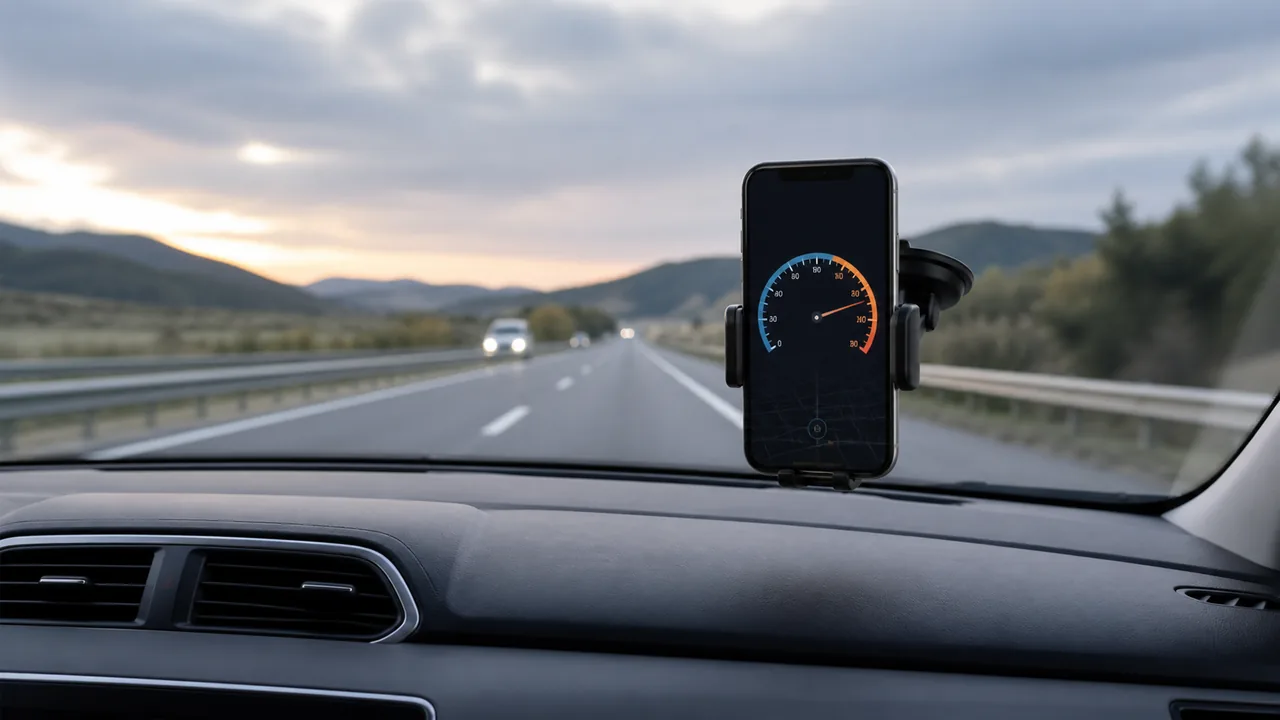
The alert uses a threshold you set; the page does not identify road signs or retrieve the legal limit for your location. Recheck the displayed unit and threshold after changing settings. The illustration is not a screenshot or a measured test. Use vehicle instruments and actual conditions for driving decisions, and never handle the phone while moving to chase agreement between displays.
Recognise when a miles-based reading is not useful
A location fix based mainly on a network, a tunnel or a hidden browser tab may provide poor continuity. If updates are stale, current speed is displayed as zero rather than keeping an old value indefinitely. Switching from mph to km/h cannot repair missing observations. For a known numerical value, choose a converter; for a durable route log, use a tool that explicitly supports routes and export, which this page does not.
| Condition or factor | What it means |
|---|---|
| 30 mph maintained | One mile in two minutes. |
| 2 miles in 20 minutes | 6 mph average and 10 min/mi average pace. |
| 50 mph | 80.4672 km/h by unit definition, before display rounding. |
| mph versus knots | Different mile definitions; do not substitute one for the other. |
Technical references: Browser location specification; Definitions of length units.
Questions about the mph display
Does mph mean nautical miles per hour?
No. Nautical miles per hour are knots; mph here uses the international mile of 1.609344 km.
Why is the mph number smaller than km/h?
A mile is longer than a kilometre, so the same motion has a smaller numerical speed in mph.
Can this detect a road speed limit?
No. An alert threshold is chosen by you and is not an automatically detected legal limit.
Does mph change the pace unit too?
Yes. With mph selected, average session pace is shown in minutes per mile and distance in miles.
Can I use it without sharing location?
You can read the page, but measuring present movement requires location permission and usable updates. No permission is needed for a separate numeric converter.