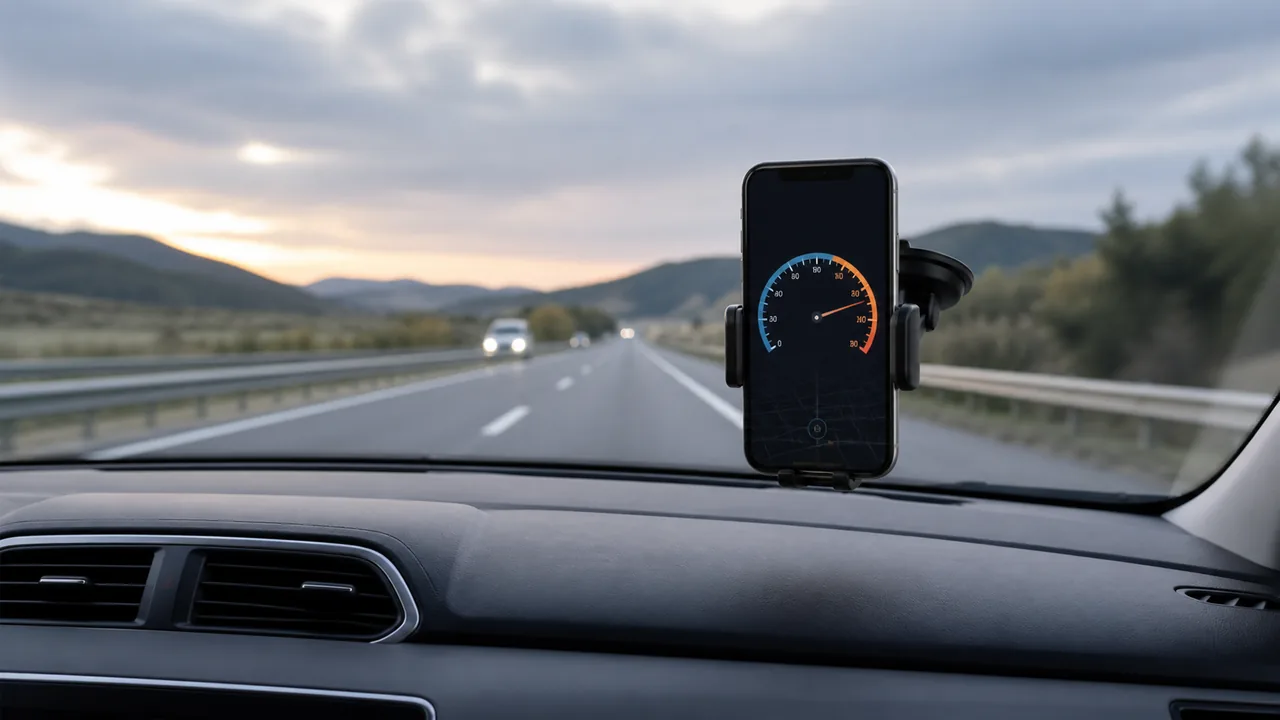
Need your current speed in kilometres per hour rather than a conversion of a number you already know? This page opens the GPS instrument with km/h selected. Distance is shown in kilometres and average pace in minutes per kilometre. Location permission is needed to measure movement; reading the explanation does not require it.
Check the unit before starting
The label beside the large number is part of the reading: 50 km/h and 50 mph describe different speeds. This page selects km/h when opened, even if another unit was saved previously. Before moving, secure the phone, press Start and allow location if you want a measurement. Keep the page visible and wait for fresh observations. Reset first if you want to discard an earlier session.
Read kilometres per hour without confusing speed and distance
At a constant 60 km/h, one kilometre takes one minute. That example explains the unit; a changing live value does not promise an arrival time. The distance field accumulates accepted movement in kilometres, whereas current speed describes the latest accepted observation. A reading of 12 km/h is also 3 minutes per 600 metres at constant speed, but the pace field here describes the whole session, not your latest few metres.
Use an average with the right clock
If the accepted distance is 6 km and the active elapsed session time is 30 minutes, average speed is 12 km/h and average pace is 5 min/km. Waiting while tracking continues is included in that time. Stop pauses tracking and the timer; Start continues an uncleared session. There is no automatic moving-time calculation. Compare another app only after checking whether its average excludes stops or uses different accepted distance.
Change the display, not the measurement
Selecting mph changes the numerical presentation and distance unit; it does not improve reception or make the phone move faster. For arithmetic on an existing value, use the dedicated converter rather than granting GPS permission. The exact length relationship is 1 mile = 1.609344 km, so 100 km/h is about 62.14 mph. The live instrument uses rounded display factors and noisy observations, not laboratory precision.
Investigate an unexpected zero or jump
A stale observation makes current speed display zero until a fresh location update arrives. Check the status, location permission and sky visibility before assuming a physical stop. Buildings, tunnels and background restrictions can interrupt measurements. The accuracy radius describes position uncertainty, not a certified speed tolerance. A smaller-looking mph number after switching units does not fix an unreliable km/h reading.
Keep the metric reading in its proper role
Use this as a supplementary observation, not a replacement for vehicle instruments, road signs or attention to conditions. The page does not detect the applicable speed limit, navigate a route or calibrate a car. Configure it while stationary and review details when safe. The latest ten session summaries stay in this browser and can disappear when site data is cleared; they are not a permanent trip archive.
| Condition or factor | What it means |
|---|---|
| 60 km/h maintained | 1 km per minute; an illustration, not a predicted arrival. |
| 6 km in 30 minutes | 12 km/h average; 5 min/km average pace. |
| km/h selected | Distance in km; average pace in min/km. |
| Changing to mph | Same movement, different unit and numerical value. |
Technical references: Browser location specification; Definitions of length units.
Using the metric speedometer
Are kph and km/h the same?
Yes. Both refer to kilometres per hour; this instrument labels the unit km/h.
Why does this page reopen in km/h?
It has a metric default that takes priority over the previously saved unit. Check the visible label before reading the number.
Does changing units reset my session?
No. Unit selection changes the presentation. Use Reset when you intend to clear the session.
Is average pace calculated from current speed?
No. It uses accepted session distance and elapsed session time, including waits while tracking remains active.
Can I enter 80 to convert it instead?
This is a live instrument, not a numeric conversion field. Use the km/h-to-mph converter for a known value.